Updated
Sep 03, 2026
Updated
Sep 03, 2026
 7 min read
 Checked regularly

Four options, picked by how you use crypto:
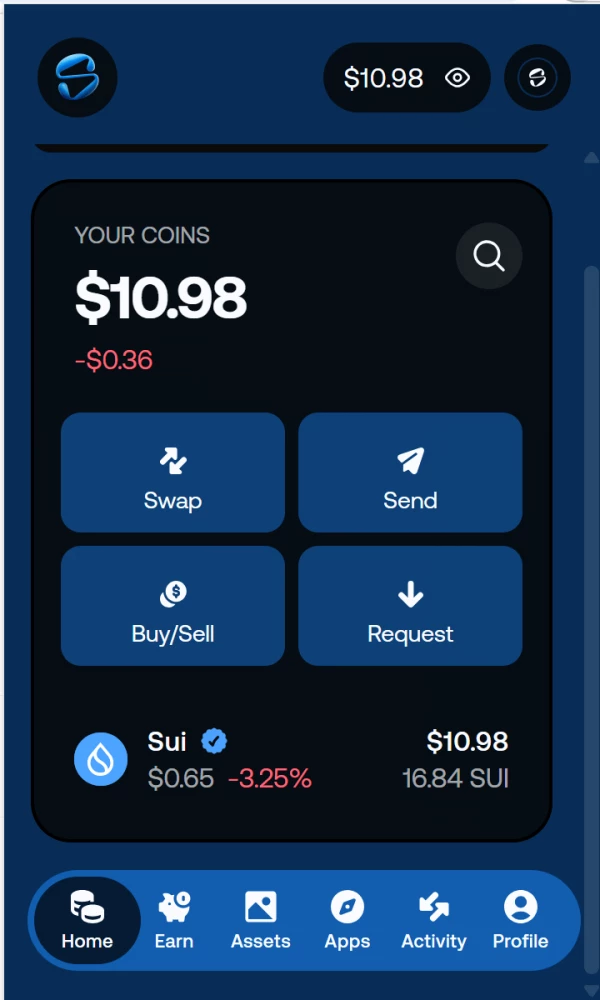
- Slush: the wallet built by Mysten Labs, the team behind Sui itself, formerly known simply as Sui Wallet. Browser extension and mobile app, staking built in, and zkLogin lets you create the wallet with a Google or Apple account instead of a seed phrase. It is the one we use in the example below.
- Suiet: open-source and Sui-native, the minimalist alternative for those who want a wallet, not an ecosystem app.
- Phantom: the multichain route: if you already run it for Solana, Sui is available in the same app with its own address inside your existing account, nothing new to set up.
- Ledger: cold storage for serious amounts. SUI now lives natively in the Ledger app: send, receive and stake without any third-party interface, or pair the device with Slush if you prefer its UI. The old Nano S is not supported.
Why Not Keep SUI on an Exchange
The exchange balance is an IOU: the platform owes you coins and keeps the keys. FTX turned that fine print into a famous lesson, BitMart's shutdown repeated it, and 2026 added more names under regulatory pressure. Coins in a self-custody wallet sit on-chain, controlled only by your keys, out of reach of any bankruptcy filing. The trading float can live on the exchange; the position belongs in the wallet.
How to Transfer SUI From an Exchange to a Wallet
We ran a real withdrawal from OKX to Slush over the native network. One thing to know before pasting anything: Sui addresses start with 0x like Ethereum ones, but the resemblance ends there: the address exists only on Sui, and nothing sent to it over an EVM network will arrive. Copy the address fresh from the wallet for every transfer and never reuse it across ecosystems.
- In Slush, open "Profile": the "Active account" address sits at the top. Tap the copy icon.
- On OKX, open "Assets" → "Withdrawal", pick SUI.
- The network field offers Sui and nothing else on most exchanges: no wrong turn to take. Paste the address, enter the amount, click "Next" and pass your usual security check.
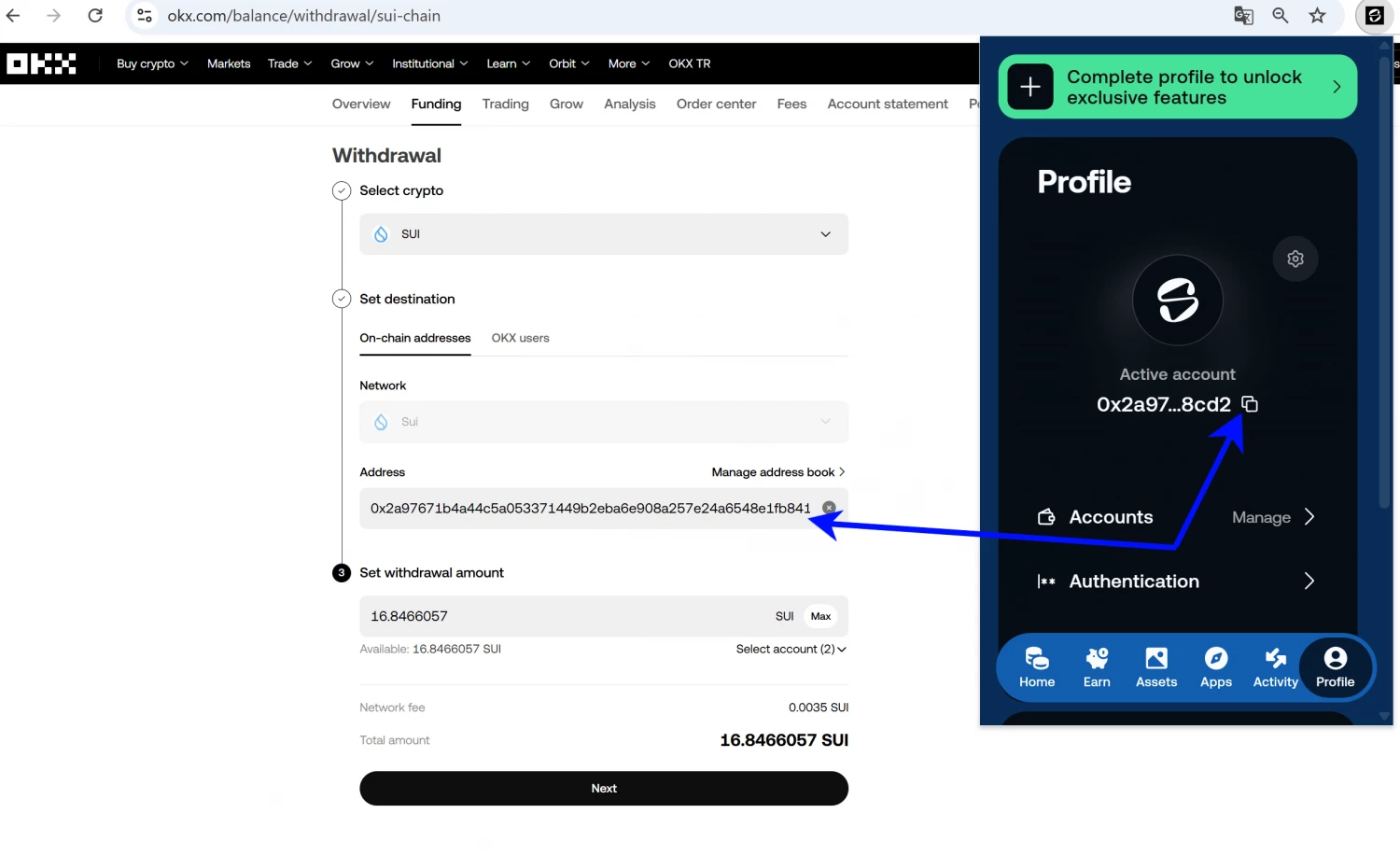
In our test the network fee was 0.0035 SUI, and the coins landed in about three minutes. Fees are dynamic: the withdrawal window shows the current number before you confirm. Sending from the wallet later is paid in SUI itself: no separate gas token to hunt for. The two habits from every guide we write: verify the first and last characters of the pasted address, and send a test amount first when the sum is serious.